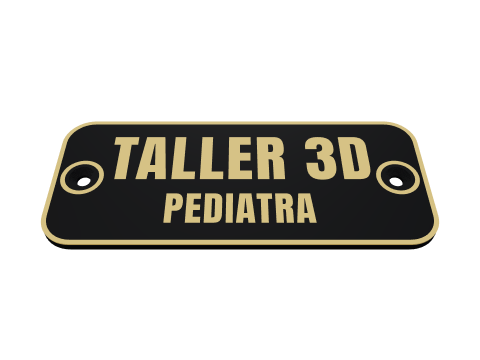
Nameplates Premium
Up to four lines or a QR code for a door, a desk or an office, with countersunk screw holes or a recess for tape.
Start designingIn your browser, nothing to install. Try it with a free account; saving and downloading it need Premium.
What you can customise
- Up to four lines of text, or a QR code.
- The size, the edges and the colours.
- Countersunk screw holes or a recess for double-sided tape.
How it works
- You design it in your browser and see it in 3D as you change every detail.
- You download the file: a 3MF with one part per colour, ready for Bambu Studio, OrcaSlicer or PrusaSlicer.
- You open it in your slicer, give each part a filament and print.
Frequently asked questions
How much does it cost?
You can try it and see the preview on any plan; saving and downloading Nameplates need Premium, because it carries personal details.
Do I need an account?
Not to try it: it opens with no account. Saving and downloading your designs need one, and it is free.
What file do I get?
A 3MF in which every colour is a closed part of its own, so your slicer gives each one a filament. There are versions for Bambu Studio, for PrusaSlicer and a universal one; Premium also downloads STL.
Do I need a multicolour printer?
No. On a multicolour printer each part prints in its own filament; on a single-colour one, the whole piece prints in the same colour.